Internal · trade scope

Quantity takeoff for carpentry & joinery

CostTakeoff is used across carpentry & joinery — measure straight off your drawings in m², m, nr, and get a bill of quantities without the learning curve.
CostTakeoff — takeoff canvas1234ABC5.204.804.6014.60 m4.103.30N025 mmetresMEASUREMENTSDeck CarcassingDeck joists32.87 mBearers & plates22.11 mDeck posts8 nrDeck FinishesDeck boarding12.75 m²Handrail10.83 mExternal PavingDriveway paving13.09 m²Parking bay paving11.49 m²Edge kerb31.44 mGully2 nrCostTakeoffTakeoff & EstimatingPROJECTAdisa ResidenceCLIENTK. AdisaDRAWING TITLEExternal WorksSCALE1:100 @A3DATEJul 2026DWG · REVA010 ADeck CarcassingDeck FinishesExternal Paving+ Line+ OpeningDeck joists32.87 / 190.65 m+ Line+ OpeningBearers & plates22.11 / 128.24 m+ CountDeck posts8 / 48 nr+ Area+ SubtractDeck boarding12.75 / 73.95 + Line+ OpeningHandrail10.83 / 62.81 m+ Area+ SubtractDriveway paving13.09 / 75.92 + Area+ SubtractParking bay paving11.49 / 66.64 + Line+ OpeningEdge kerb31.44 / 182.35 m+ CountGully2 / 12 nrAdisa ResidenceRear Deck & LandscapeBill of Quantities · 9 sub-items · 115 measurementsActive: Deck Carcassing

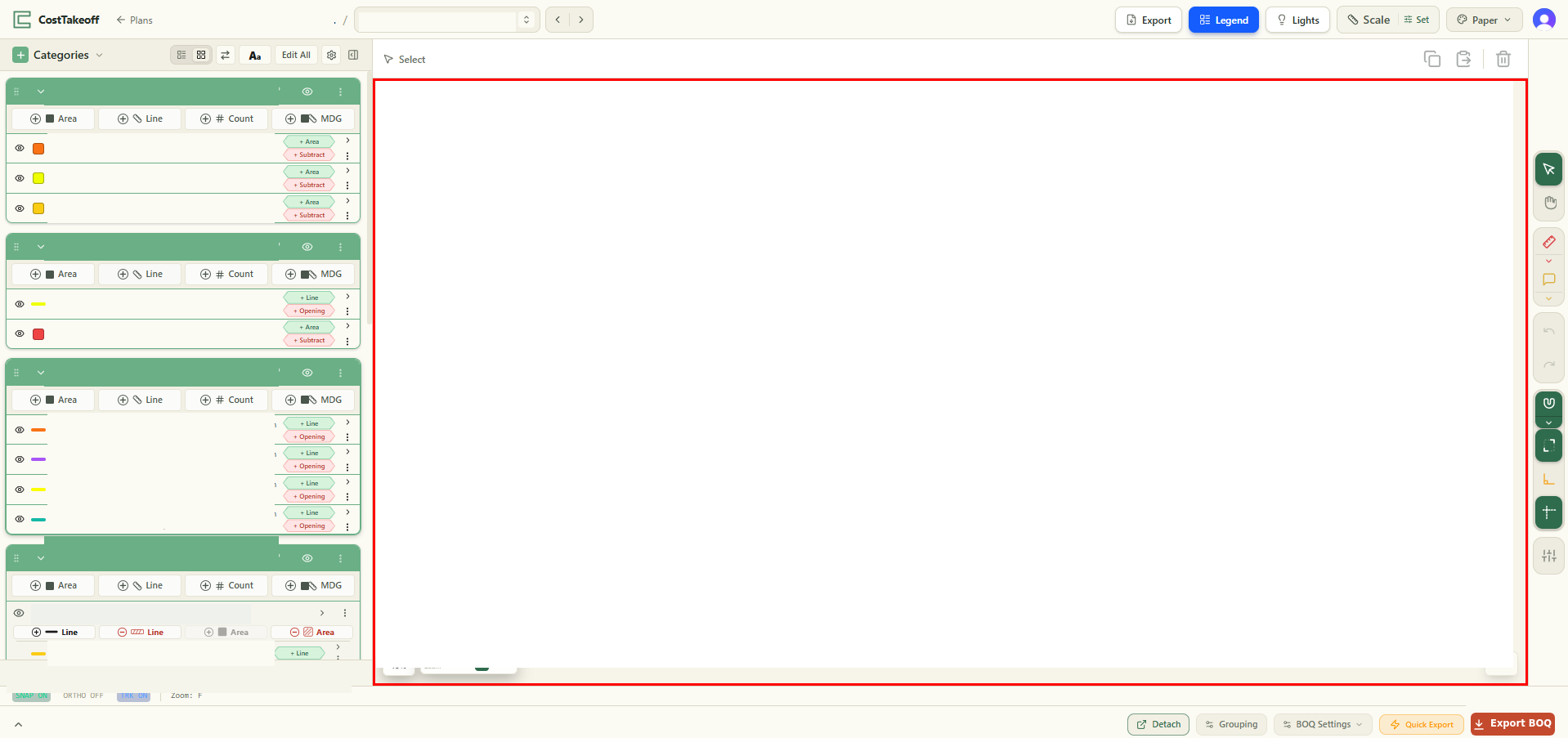
A simple example measured in CostTakeoff — our categories on the left, quantities building on the drawing, your branding on the sheet.

Why CostTakeoff

Fast, honest takeoff for carpentry & joinery

You measure carpentry & joinery the way you measure every scope in CostTakeoff — draw areas in m², runs in metres and counts straight on the PDF and the quantities build into a bill of quantities as you go. The example above is a takeoff just like the ones you'll run.

The method

From drawing to bill of quantities, in four steps

  1. 1

    Upload

    Drop in the PDF drawing set.

  2. 2

    Set the scale

    Once per drawing — the one step worth learning.

  3. 3

    Measure

    Areas, lengths and counts, straight off the sheet.

  4. 4

    Read your BOQ

    Quantities build as you draw. Export to Excel or PDF.

Measure your next carpentry & joinery job.

Get started