Finishes · trade scope

Quantity takeoff for tiling

CostTakeoff is used across tiling — measure straight off your drawings in m², m, and get a bill of quantities without the learning curve.
CostTakeoff — takeoff canvas3.643.822.552.732.91BathroomKitchenUtilityBedroomLivingStore025 mmetresMEASUREMENTSTile FinishingsFloor tiling19.88 m²Wall tiling 2.40h12.74 mSplashback 0.60h3.64 mPreparationTanking membrane9.94 m²Levelling screed19.88 m²AncillariesTiled skirting12.74 mEdge trim18.20 mMovement joint2.73 mShower niche1 nrCostTakeoffTakeoff & EstimatingPROJECTAdisa ResidenceCLIENTK. AdisaDRAWING TITLETiling LayoutSCALE1:50 @A3DATEJul 2026DWG · REVA014 BTile FinishingsPreparationAncillaries+ Area+ SubtractFloor tiling19.88 / 115.30 + Line+ OpeningWall tiling 2.40h12.74 / 73.89 m+ Line+ OpeningSplashback 0.60h3.64 / 21.11 m+ Area+ SubtractTanking membrane9.94 / 57.65 + Area+ SubtractLevelling screed19.88 / 115.30 + Line+ OpeningTiled skirting12.74 / 73.89 m+ Line+ OpeningEdge trim18.20 / 105.56 m+ Line+ OpeningMovement joint2.73 / 15.83 m+ CountShower niche1 / 6 nrAdisa ResidenceBathroom & Kitchen TilingBill of Quantities · 9 sub-items · 115 measurementsActive: Tile Finishings

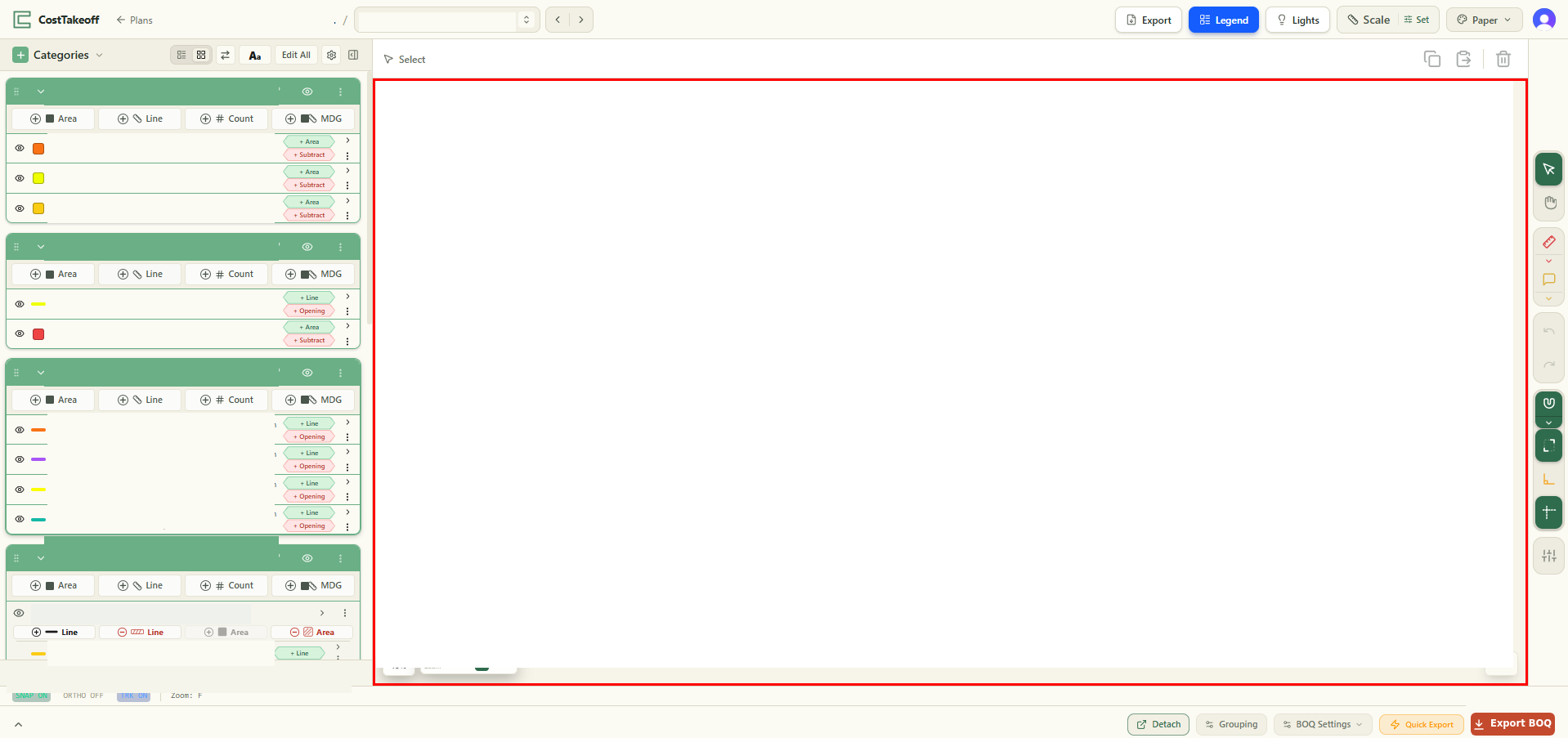
A simple example measured in CostTakeoff — our categories on the left, quantities building on the drawing, your branding on the sheet.

Why CostTakeoff

Fast, honest takeoff for tiling

You measure tiling the way you measure every scope in CostTakeoff — draw areas in m² and runs in metres straight on the PDF and the quantities build into a bill of quantities as you go. The example above is a takeoff just like the ones you'll run.

The method

From drawing to bill of quantities, in four steps

  1. 1

    Upload

    Drop in the PDF drawing set.

  2. 2

    Set the scale

    Once per drawing — the one step worth learning.

  3. 3

    Measure

    Areas, lengths and counts, straight off the sheet.

  4. 4

    Read your BOQ

    Quantities build as you draw. Export to Excel or PDF.

Related scopes

More in Finishes

Measure your next tiling job.

Get started